BetweenUs
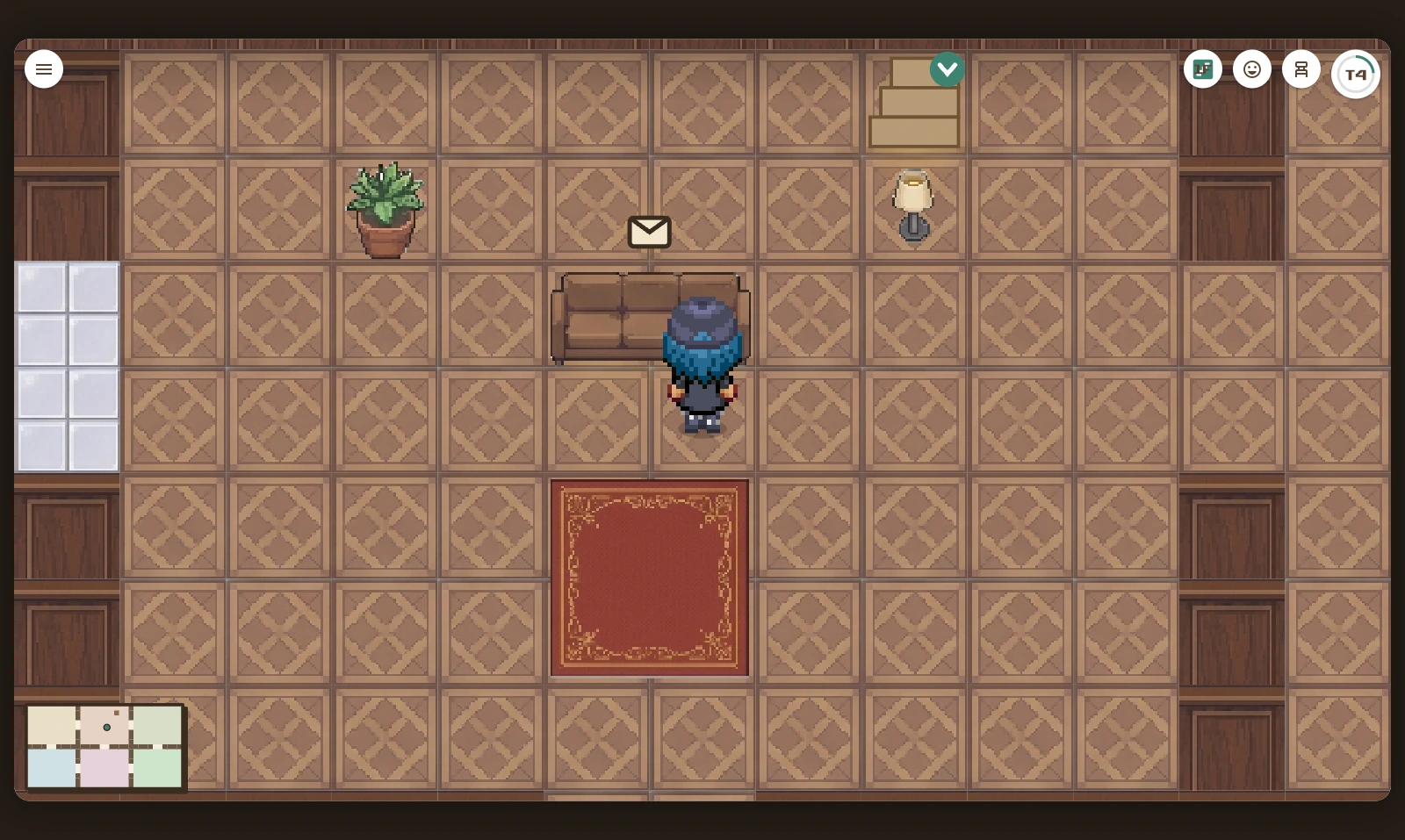
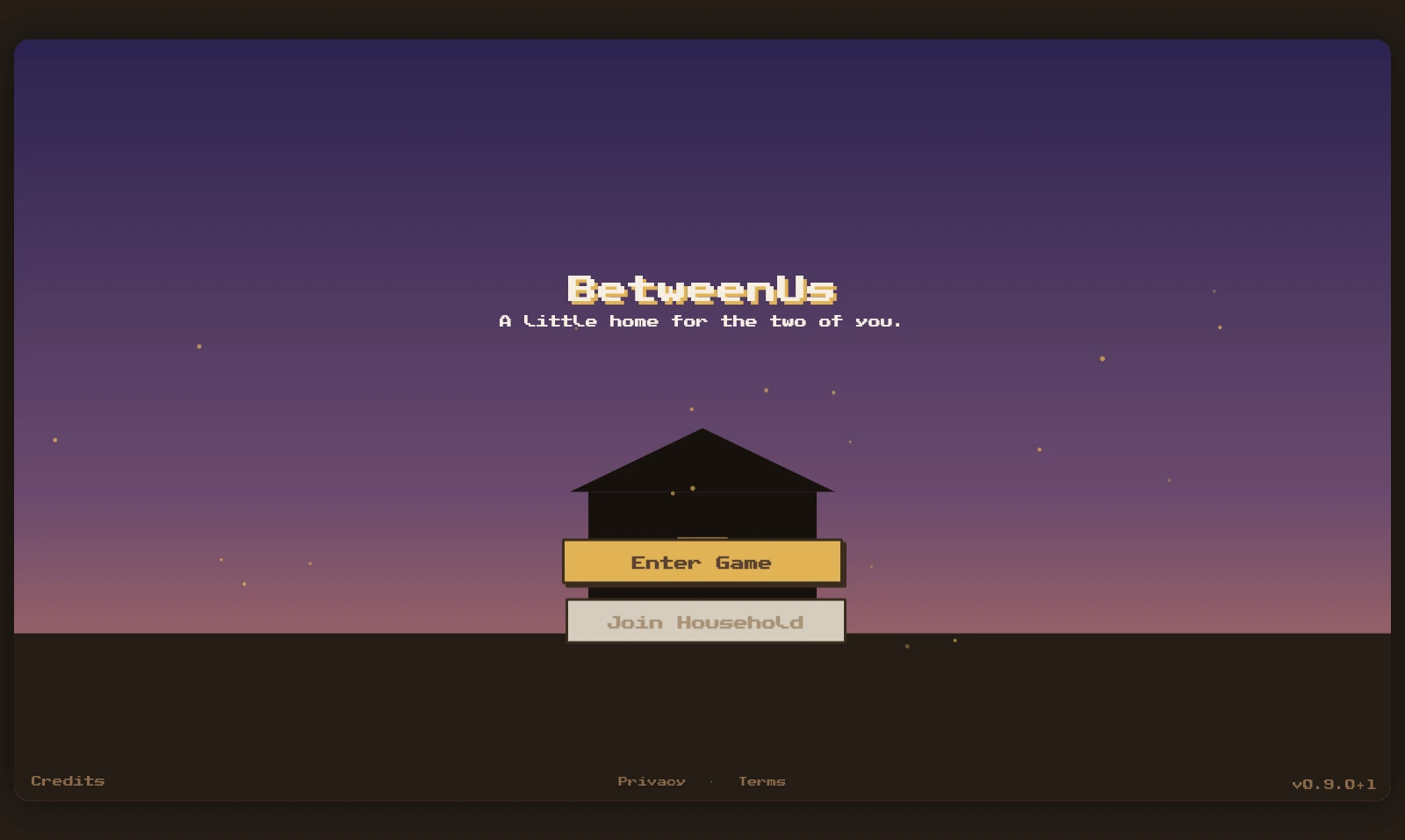
BetweenUs is a Flutter app for couples built by Mike Hoang. Partners share a walkable pixel-art house, leave notes on furniture, and open messages on a date they choose. Writing to each other unlocks furniture and features, while live avatars and presence let partners spend time in the house together.
By Mike Hoang · Last updated: 2026-10-06
- Year: 2026
- Stack: Flutter, Dart, Flame, Riverpod, Supabase, Postgres RLS
Why I built it
Sometimes you have something to tell your partner but don't feel ready to say it in the moment, or you want to keep it as a surprise. I wanted to build a game that helps couples overcome that fear by leaving notes for each other to read when the time is right. The romance of writing letters inspired the idea, too.
The more notes a couple sends to each other, the more features and furniture they unlock. It's a way to give them the feeling of building a home together, one message at a time.
How I built it
I built the app in Flutter and Dart, with Flame rendering the house, furniture, and animated avatars. Flutter widgets handle the menus and note sheets, while Riverpod connects the interface to the app's state and repositories.
Supabase provides authentication, Postgres storage, and Realtime. Presence shows when a partner is online, and throttled movement broadcasts keep their avatar in sync. Postgres row-level security enforces membership and the note-reveal rules. The same Flutter codebase also builds for the web.
BetweenUs project facts
| Detail | Value |
|---|---|
| Project year | 2026 |
| Household size | 2 partners |
| Application | Flutter and Dart; Flame for the house; Riverpod for state |
| Backend | Supabase authentication, Postgres, Realtime, row-level security |
| Note privacy | A partner's sealed note is withheld by the database until its reveal time |
These facts describe the implementation explained in this case study.
How do timed notes work in BetweenUs?
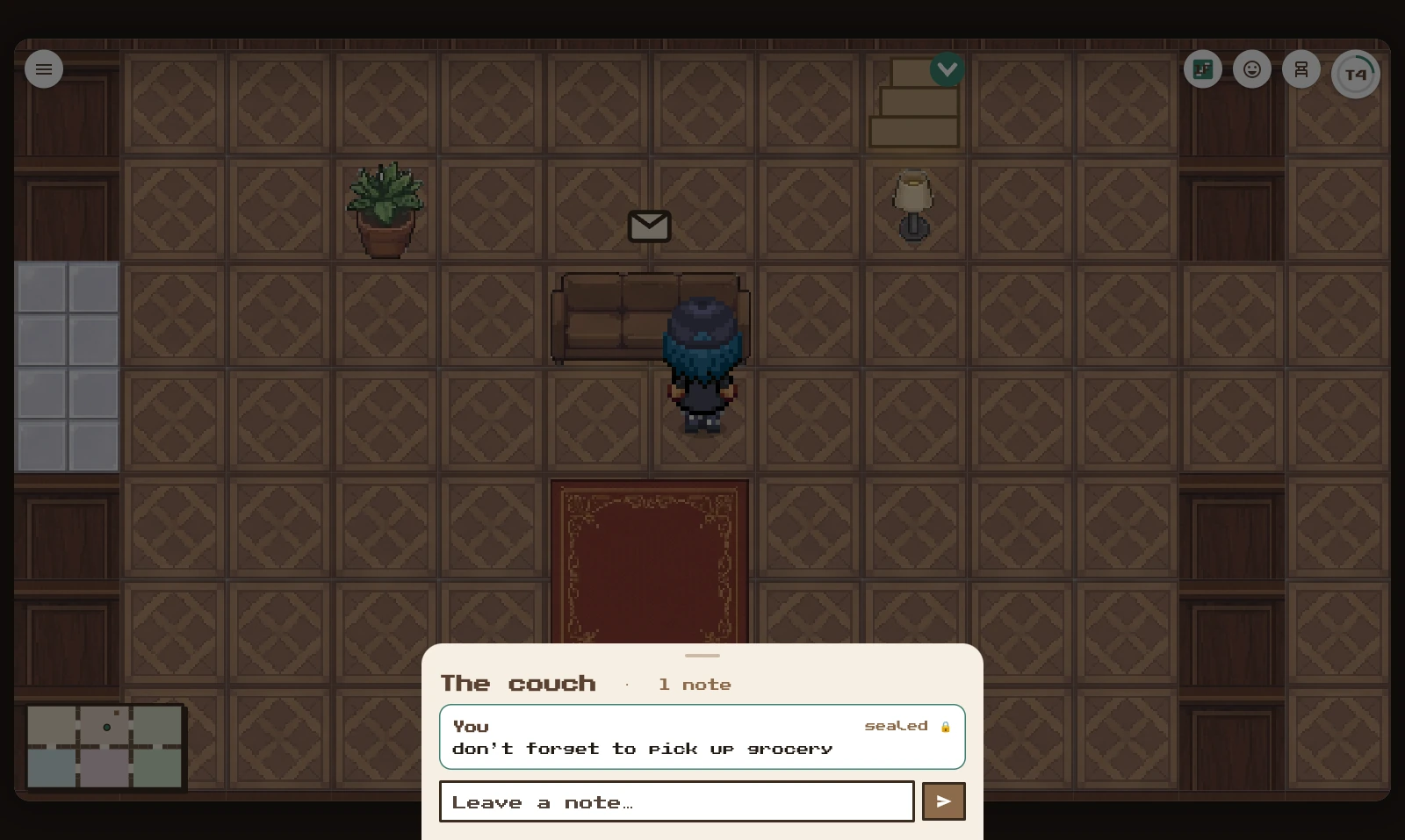
A partner leaves a note on furniture and chooses a reveal time. Postgres row-level security prevents the other partner from fetching the note before that time, including through a direct API request. Privacy is enforced in the database as well as in the interface.
Challenges
- Learning Flutter: This was my first time using Flutter, so I had to learn several new concepts while building the app.
- Keeping sealed notes private: Hiding a note in the interface isn't enough. The database refuses to return a partner's note before its reveal time, even through a direct API request.
- Making the house feel natural: Tap-to-move uses A* pathfinding around furniture and through doorways. Collision footprints, sprite depth, and a following camera keep movement and interactions consistent.
- Keeping partners in sync: Movement updates are throttled and remote avatars interpolate between positions. Reconnection handling separates a lost connection from a partner being offline, so presence stays meaningful.
Features
- A home for two: Create a household, share an invite code or link, and choose your avatar.
- Hidden notes: Leave messages on the fridge, bed, desk, couch, bathtub, or mailbox, then open them after their reveal time.
- Shared reveal dates: Choose when notes open, with an optional recurring schedule.
- Live company: Walk around together, see your partner's presence, and send chat messages or emotes.
- Progression: Writing notes grows a shared pool that unlocks furniture, themes, and an upstairs floor.
- Room customization: Place, move, and store decorations, and change the house's tile and wallpaper theme.
About the developer
Mike Hoang is a full-stack developer in Vancouver. Explore his Stereochem molecular editor or contact Mike.